Xovan Theme docuemtation

Login/Reg
In short, HubSpot is an inbound marketing and sales platform that helps companies to attract visitors, convert leads and close customers. It does this by bringing together a variety of functionalities and allowing marketing and sales departments to manage all their activities in one place.
The Hubspot Theme uses Latest Bootstrap v5 with Hubspot. This theme is a responisve layout with 4 column Support column. All of the information in content area is nested within a class and comes with predefined classes.
Installation
How to Install And get start with hubspot
- After Created your account
- Go to your hubspot account.
- In your HubSpot account, click the settings icon in navigation bar
- In the left sidebar Sidebar Menu , go to Website > Themes .
- In that you can see upload theme button on right side top

- Click Upload Button And choose topika-delaware.zip in your package
- It upload and installed
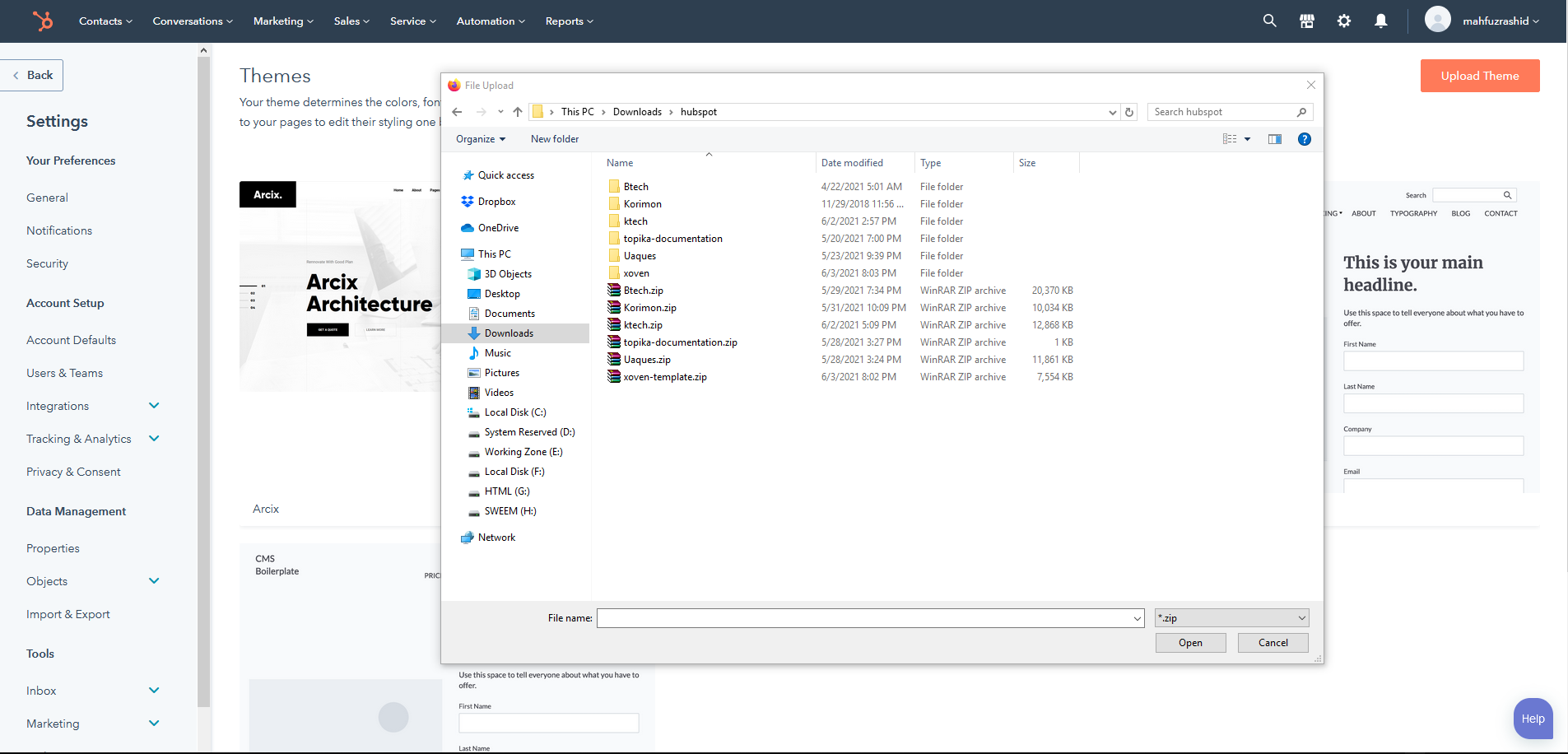
- After Upload Succesfull Please Reload The theme
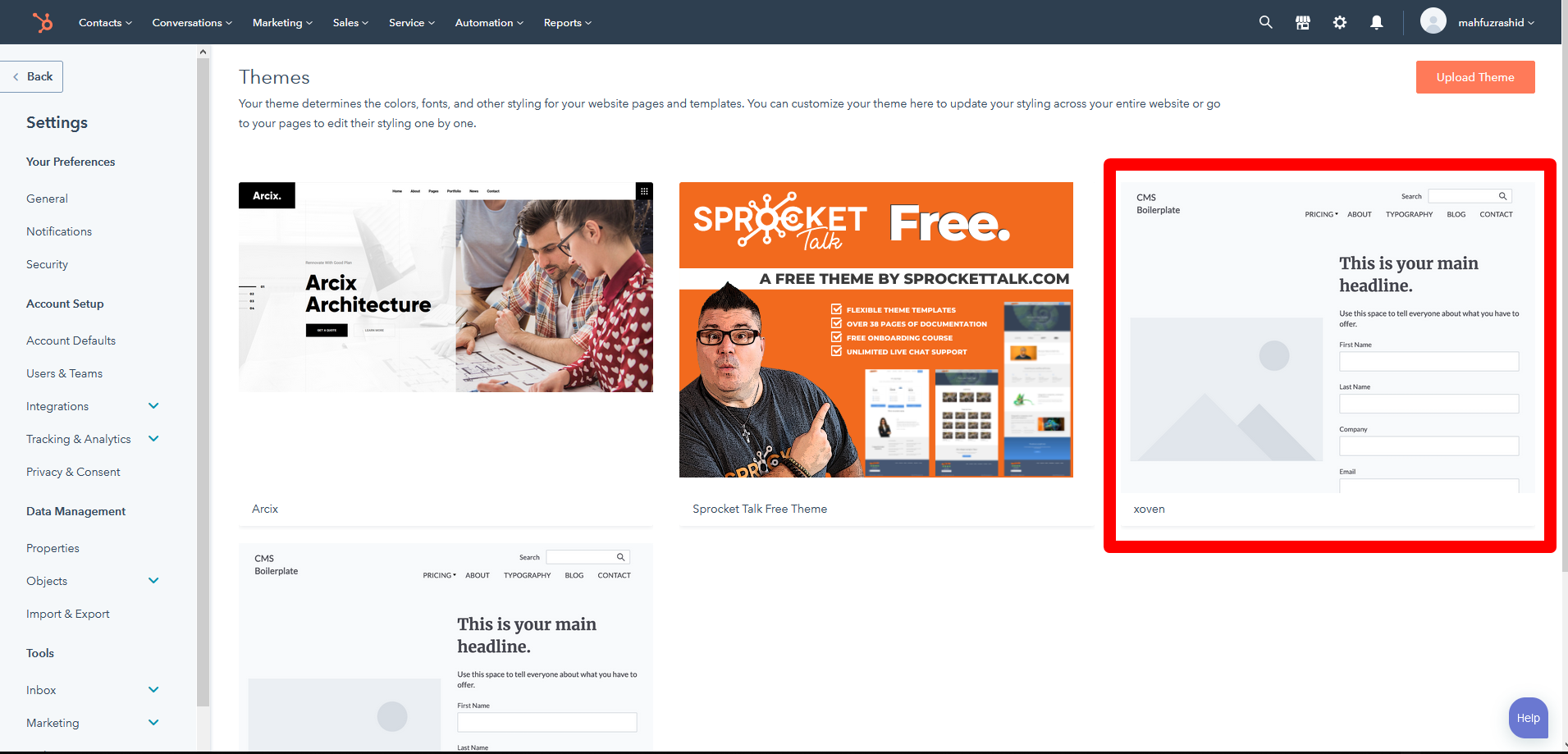
Theme Settings
How to edit themesettings
- While Editing the pages you view design tab option

- Click Edit Settings Button it will take to theme settings pages. There You Can Change Default Color Font and ect.
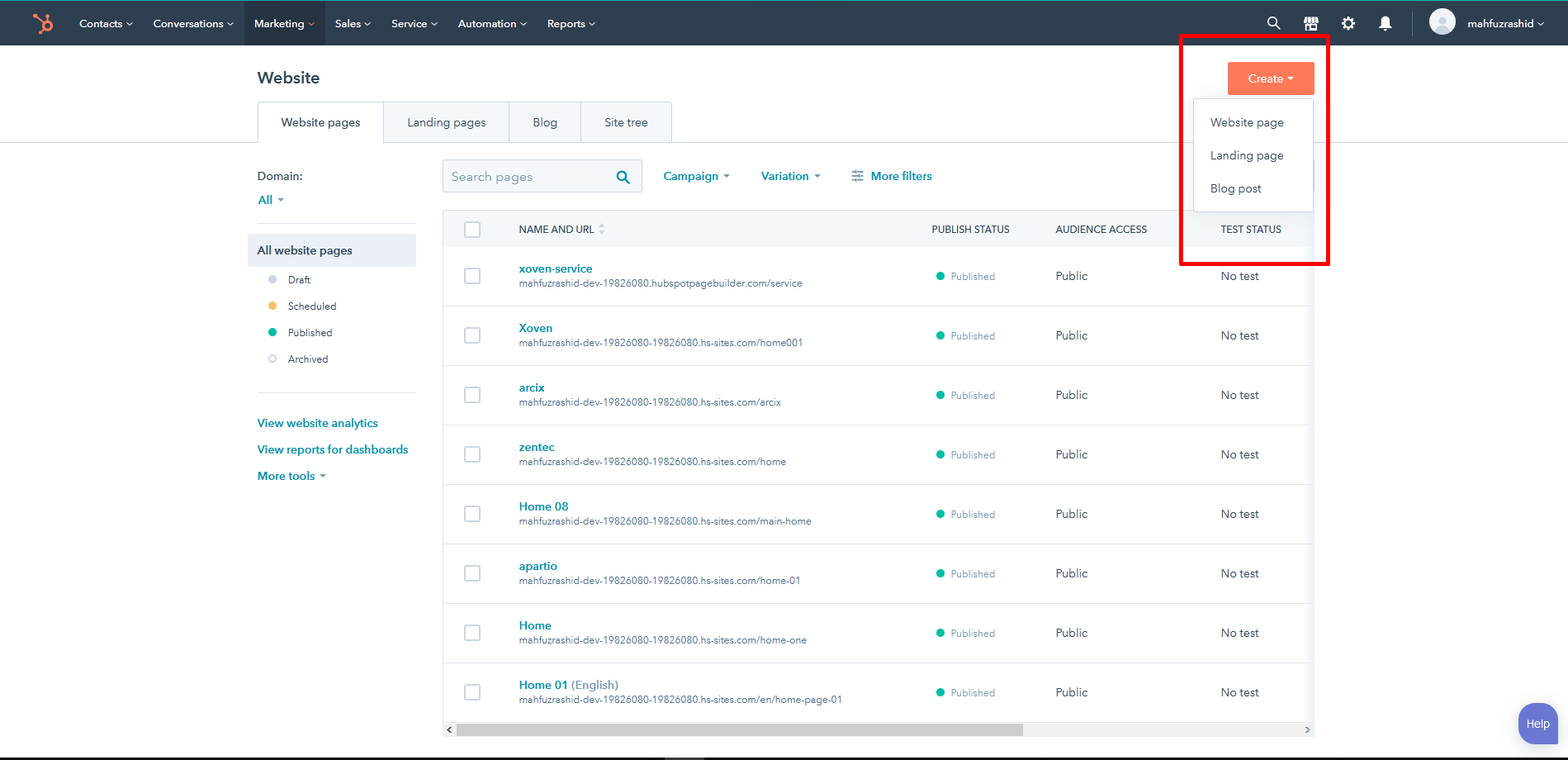


System Pages
How to edit themesettings
- While Editing the pages you view design tab option
- Click Edit Settings Button it will take to theme settings pages. There You Can Change Default Color Font and ect.

Menu Settings
How to Set Menu Navigation

Global Setting
How to Add Content to header And Footer


Blog Settings
How to Set Blog

Get Support
To get More Support and Help
For Support : asianitbd.com@gmail.com